
- Your WhatsApp password is the 6-digit PIN for 2-step verification.
- The easiest way to reset your WhatsApp password or 2FA PIN is through a reset link sent via email.
- To reset your WhatsApp password or 2FA PIN without email, you must reset your account and then set up 2-step verification again.
- There are four (4) main ways someone can access your WhatsApp account without your permission (#4 is easier than you think).
- Never get locked out again: LastPass makes it easy to sign in and protect your WhatsApp account with AES-256 encryption and URL encryption.
If you’re a WhatsApp user, you know why it’s the king of all chat apps. With end-to-end encryption and features like Live or Motion Photos - where you add sound and movement to images – WhatsApp dominates with 35 million monthly downloads.
Fast forward to today. You’re trying to verify WhatsApp on your new phone or enter your PIN after weeks of not needing it.
And nothing works. You’re now locked out of the app 70% of the world uses to stay connected. To get back in, follow our easy step-by-step instructions below.
How do I reset my WhatsApp password if I forgot it?
As you know, WhatsApp logins don’t rely on the usual username-password combo.
So, what you’re really resetting is your 6-digit PIN for 2-step verification.
This PIN protects your account from unauthorized access, which is especially critical if someone hijacks your SIM card. To reset your 6-digit PIN:
Forgot WhatsApp two-step verification password (reset with email)
- Open WhatsApp
- Tap Forgot PIN? and then hit “Send Email.” A reset link will be sent to the email address associated with your WhatsApp account.
- Find the email in your inbox, click the reset link, and tap Confirm.
- Open WhatsApp > tap Forgot PIN? > Reset
Forgot WhatsApp two-step verification password (reset without email)
If you’ve forgotten your 2-step verification PIN and lost access to the email linked to your account, you face a waiting period to regain access.
So, after multiple failed login attempts, WhatsApp will require you to wait seven (7) days from your last successful connection to reset your PIN.
After the seven-day wait period, you can access your account by tapping Forgot PIN? > Reset Account.
After resetting your account, set up 2-step verification again, and this time, be sure to add an email:
- Open WhatsApp Settings.
- Tap Account > Two-step verification > Enable
- Create a 6-digit two-step verification PIN and confirm it.
- Provide an email address you can access (you’ll want to add this for easy resets of your 6-digit 2FA pin)
- Tap Next.
- Confirm your email address and tap Save or Done.
If none of the above works, your best bet is to contact WhatsApp Support:
- On your phone, open WhatsApp > Settings > Help > Contact Us
- You can also fill out the WhatsApp online form. Be sure to provide the phone number and email address associated with your account. Replies will be sent to your email address.
Remember: If you have payment information in WhatsApp and need to reset your UPI PIN (the 4 or 6-digit number you must enter before making a payment), setting an email address is critically important. Here's why:
- If you ever need to re-install WhatsApp or install WhatsApp on a new device, 2-step verification allows you to safely restore your payment information.
- If you’ve forgotten your 6-digit 2FA PIN, an email address makes it easy to reset it.
Never get locked out again: Keep your 2FA and UPI PINs safe in LastPass
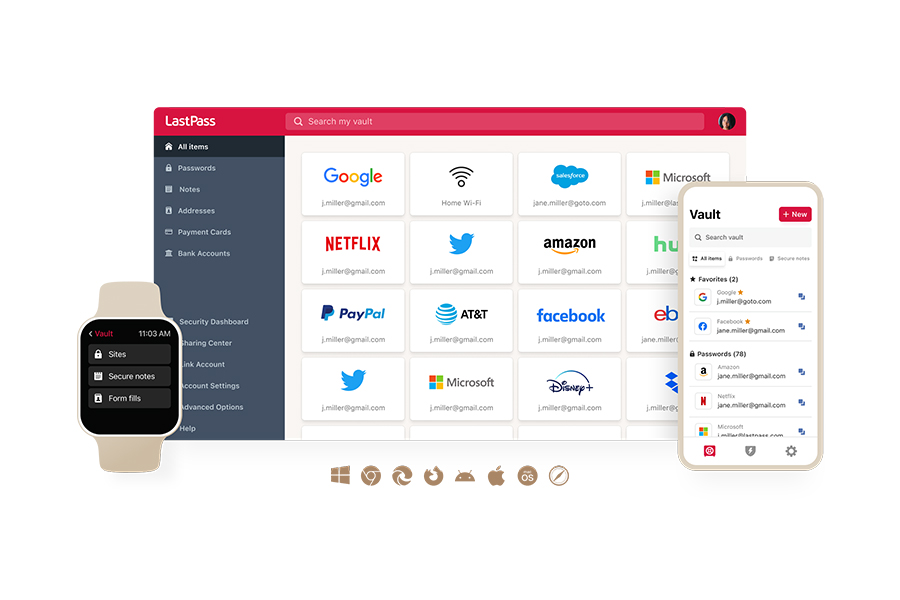
If you’re like most people, you scribble your WhatsApp 2FA or UPI PINs on Post-it notes, store them in a browser, or commit them to memory.
It works...until it doesn’t.
Because the truth is, scattered passwords leave you open to account takeovers and identity theft.
With LastPass, you get peace of mind with:
- AES-256 encryption: This is the same encryption federal agencies and the military trust with their most sensitive data. For you, it means your WhatsApp 2FA and UPI PINs are protected with military-grade encryption that keeps attackers out.
- Encrypted vault URLs: Every stored link is encrypted in your vault. For you, this means URLs connected to your accounts (WhatsApp, banking, etc.) remain private to you only. This expands our Zero Knowledge architecture and affirms our commitment to your privacy and security.
- Biometric authentication: With LastPass, you can open your vault using Face ID, Touch ID, or fingerprint. You get convenience without sacrificing security.
- Smart autofill: LastPass enters your login credentials on legitimate sites only. For you, it means you can’t accidentally enter your passwords or PINs on a fake site, because our system simply won’t let you. This protects you from phishing scams that steal billions from consumers yearly.
- Cross-device syncing: Save a new UPI or 2FA PIN on your mobile, and it also appears on your laptop and tablet. For you, this means one vault, synchronized across every device you own. No more getting stuck because you need to make a payment on your laptop, but the PIN is saved on your phone.
- Offline access: Your encrypted vault can be accessed from your device (read-only), even without an internet connection. This means your credentials are always at your fingertips, even in a dead zone.
- Passkey compatibility: Passkeys are the future of secure authentication because they can’t be phished, stolen, or guessed. With LastPass, you get passkey support directly from your mobile. For you, this means that when your favorite platform adopts passkeys, you’re already prepared.
You can enjoy all of the above with a free Premium or Business Max trial (no credit card required).
Sources
Live and Motion Photos, Meta AI chat themes, video call backgrounds, and more on WhatsApp
Most Popular Messaging Apps (2025)
What’s that ‘set your PIN’ WhatsApp message?
WhatsApp: About two-step verification and payments
WhatsApp: About registration and two-step verification
WhatsApp: How to reset your two-step verification PIN
WhatsApp: How to manage two-step verification settings
WhatsApp: Can’t remember password for encrypted backup
How scammers gain access and hack your WhatsApp account
WhatsApp’s new update could finally let you chat across platforms
Dark Web data markets: $2 billion surge amid rising cybercrime


