We’ve been hard at work to bring the latest in login technology to our Android experience. We’re excited to announce that the LastPass app for Android now autofills logins for your mobile apps, as well as websites in Chrome for Android.
Our updated Android app, which is part of our Premium service, is now available at the Google Play Store. Note that the new feature is available for apps on devices running Android 4.1 and later, and for Chrome on devices running Android 4.3 and later. Note that on Android 4.1 and 4.2, LastPass cannot autofill into apps, and will show copy buttons instead, and some apps may require that you manually paste the data.
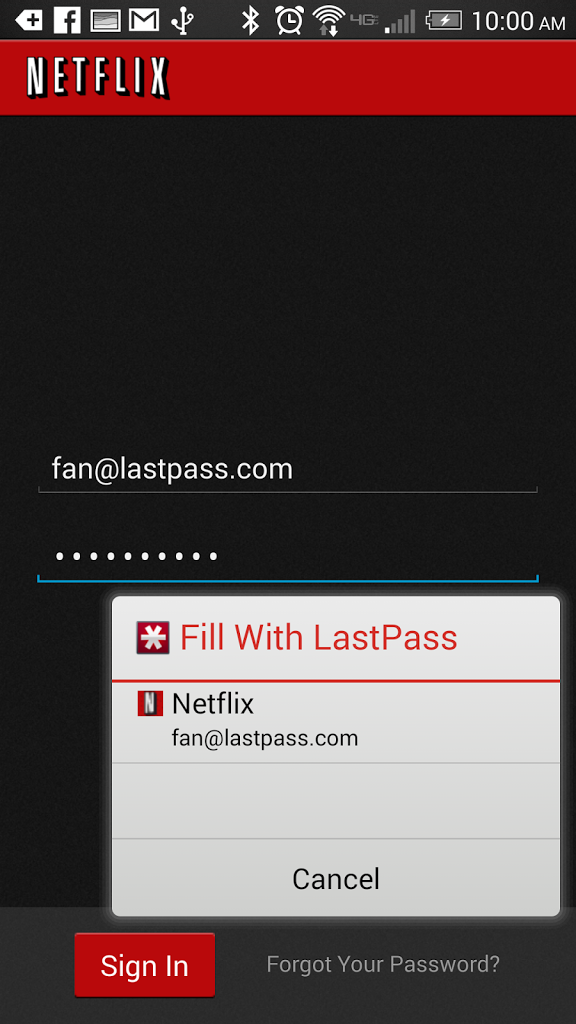
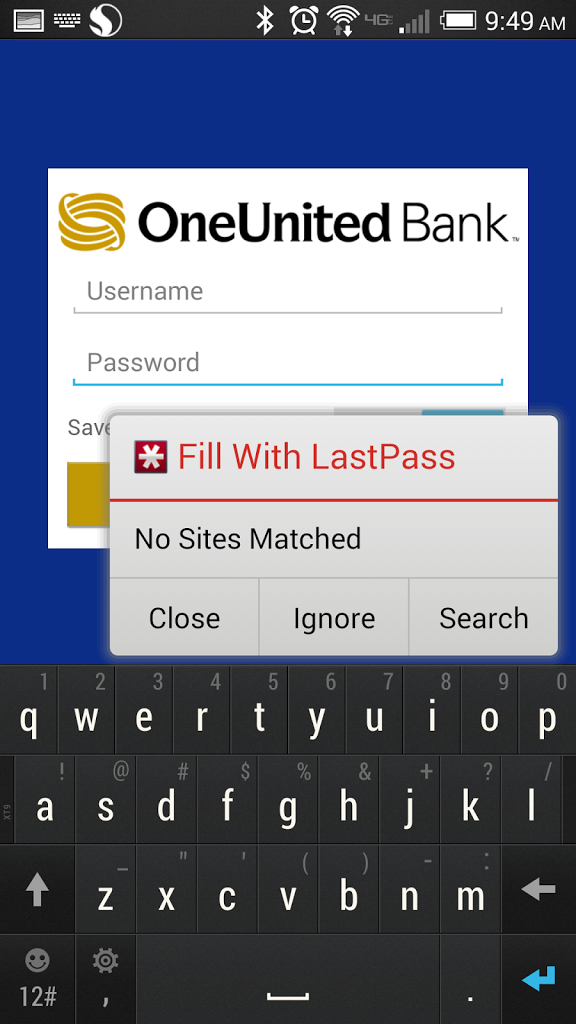
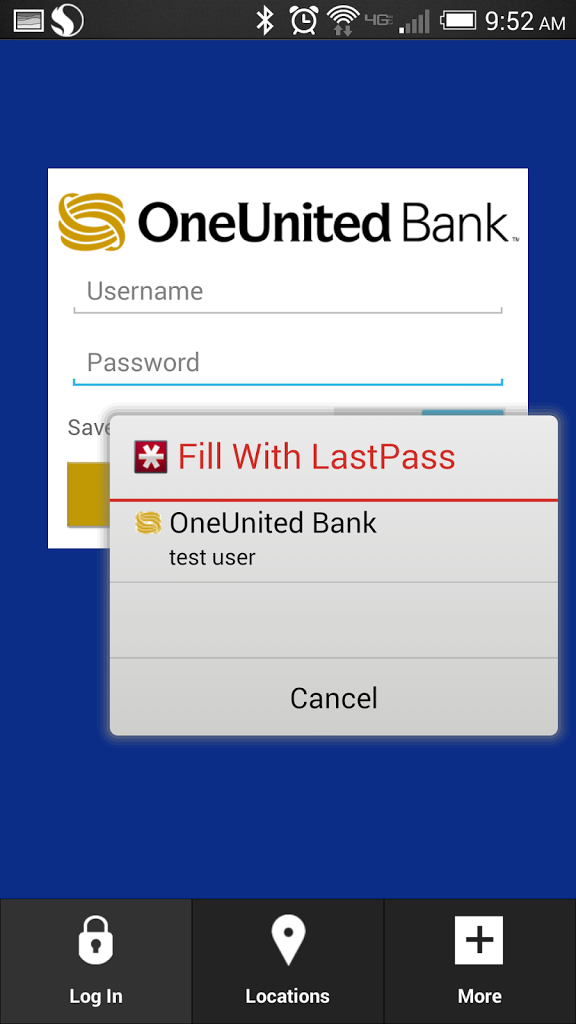
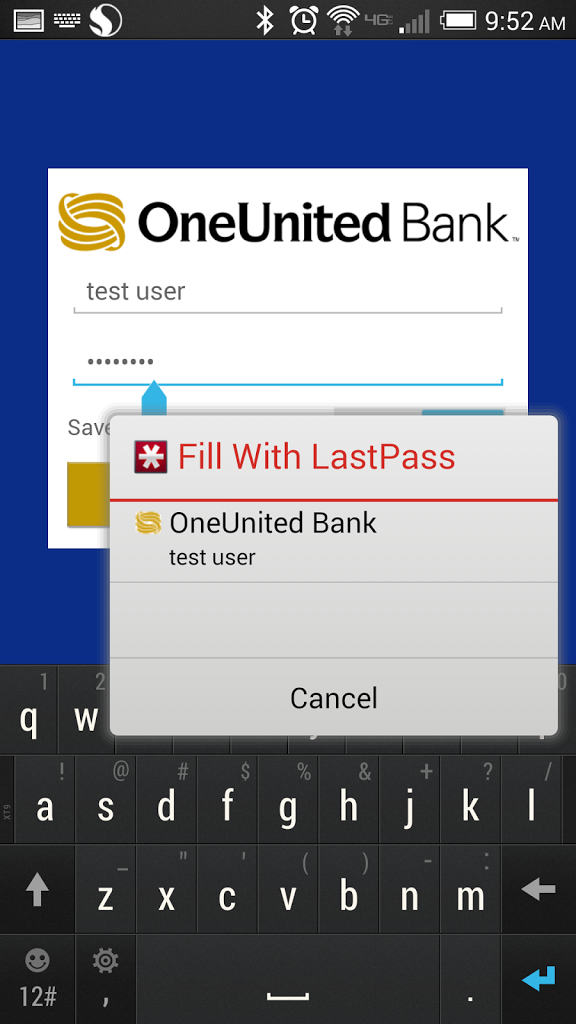
So what makes this new functionality so awesome? It brings the same LastPass experience you’re used to on the desktop to all of your mobile apps and Chrome. When you launch a mobile app, LastPass can now detect that a username and password field are shown, and hover with a prompt for you to select a matching login. The new functionality eliminates more typing and tapping, making the mobile experience that much more fluid.
How It Works
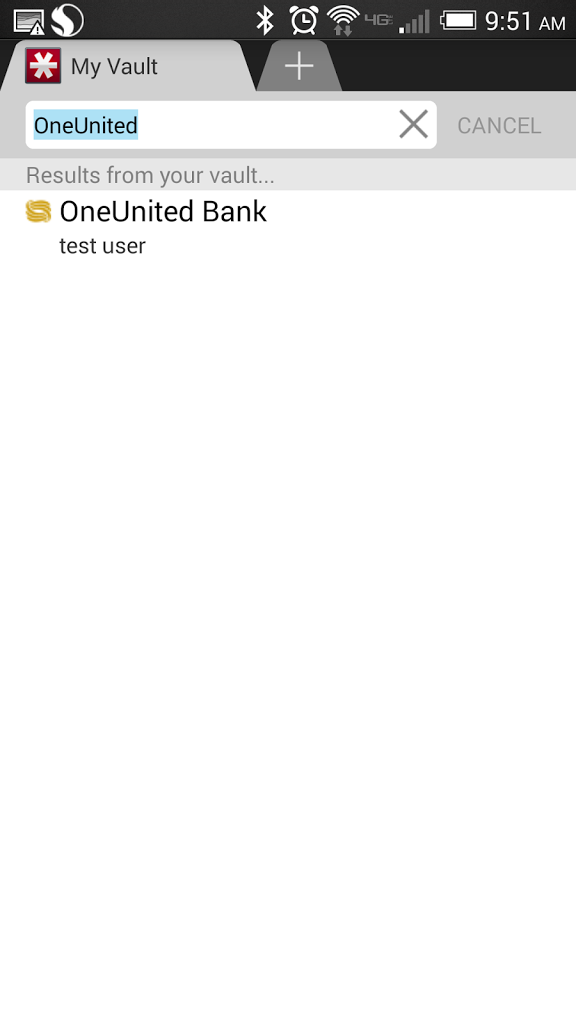
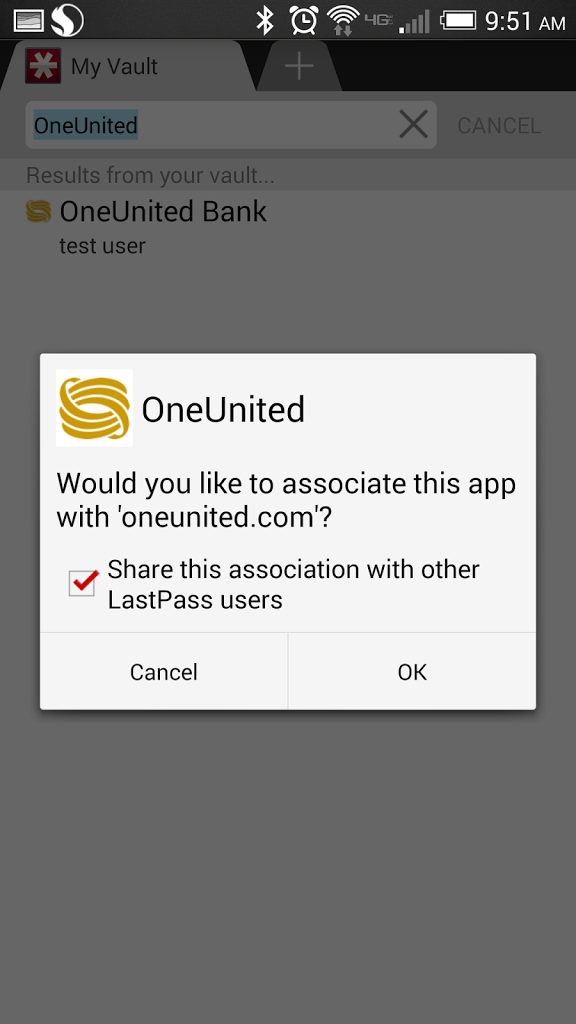
To get started, the latest release of LastPass needs to be installed on your Android device. Once you’ve logged into LastPass, you will be prompted to enable the new functionality. Then, you can launch an app of your choice from your homescreen. Once that app is launched, LastPass will detect the username and password fields. A pop-up will be displayed, prompting you to select a matching login that is stored in your vault.