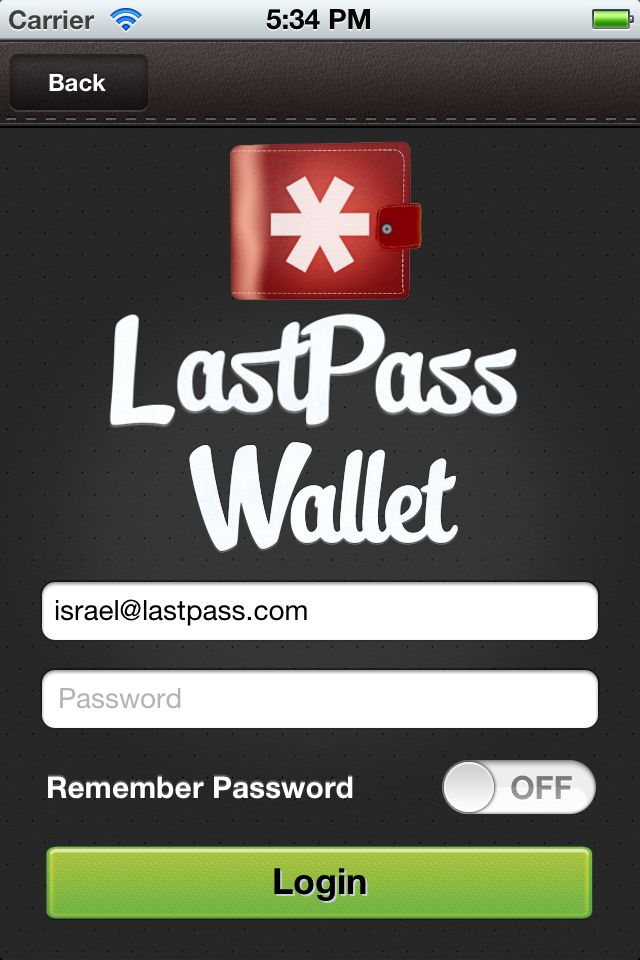
We're excited to announce the arrival of LastPass Wallet! The latest addition to our mobile suite, Wallet stores the data you carry in your physical wallet on your iOS device, so you can securely backup your most valuable personal information to LastPass. The app features beautiful notes for adding cards and IDs, with robust attachment and sync capabilities - for free!
Get Started with Notes
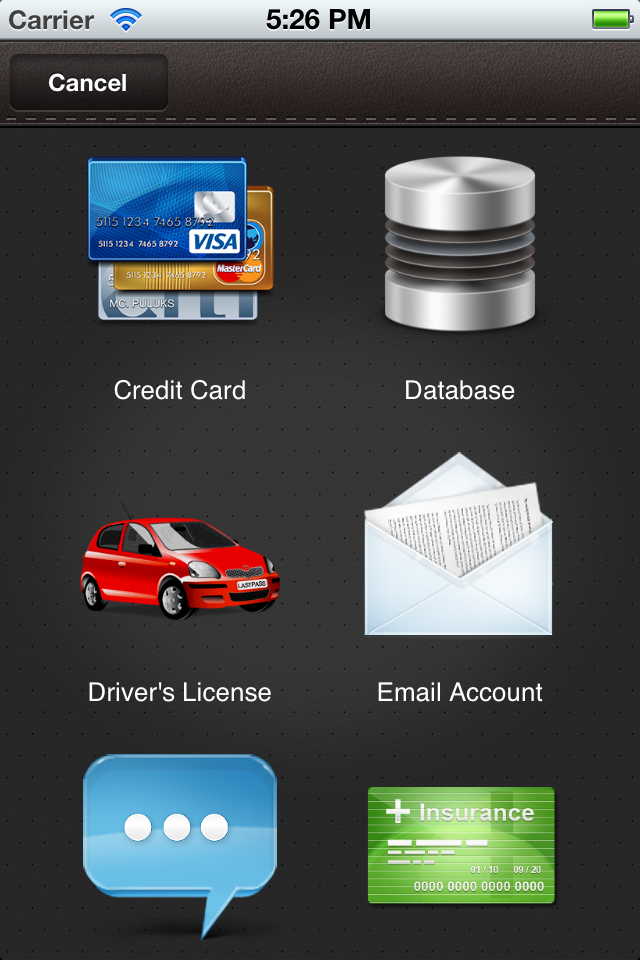
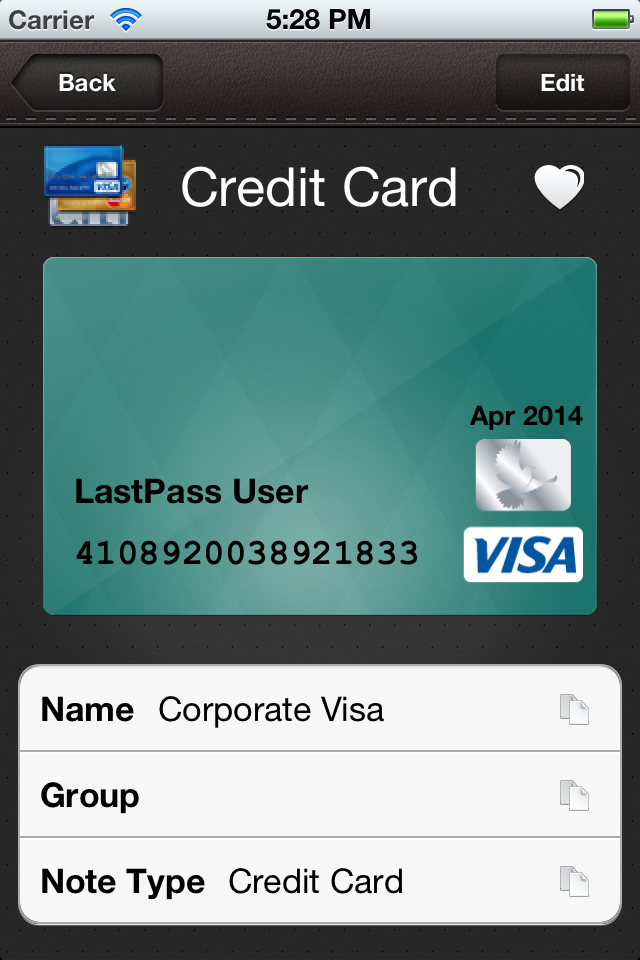
Wallet is built around LastPass' secure notes feature, with templates for credit cards, passports, driver's licenses, memberships, bank accounts, and more. Any card, piece of paper, or form of data that someone would keep on their person can be stored in Wallet. New users create an account via the app for free, then get started by adding notes:
Current LastPass users can simply login with their usual account information, and any existing secure notes will automatically sync to Wallet where they can be viewed, edited, and synced back to other locations:
Attach Anything
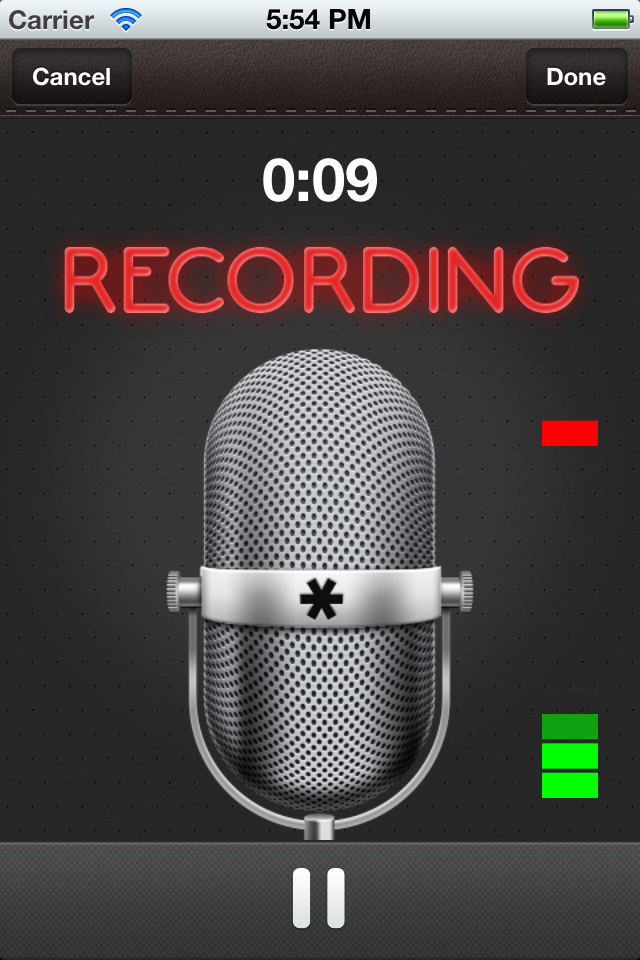
Audio clips, photos, and text can be saved as an attachment to any note. Use the app to record an important voice clip:
or securely store pictures from your device's photo gallery.
Secure Your Data and Sync Everywhere
Wallet offers security settings to restrict access to stored data. "Logout on close" ensures that the active session is killed when the app is closed, while a pin code prompt can be used to re-authenticate when multitasking between Wallet and other apps.
Data added to LastPass Wallet is securely synced to all browsers, computers, and mobile devices where a user logs in to their LastPass account. Although they'll also be synced to LastPass, attachments are not yet accessible via the browser addons or other mobile apps.
Availability
The free LastPass Wallet app is available on the App Store on iPhone, iPod Touch, and iPad at www.itunes.com/appstore. For more details on using the app, please see our help article.
And more!
For those new to LastPass, Wallet is an easy introduction to secure data and password management on a mobile device. Wallet makes sure that if you lose your physical wallet, you have a "digitized" version that makes it less of a hassle to start over. Wallet also provides a transition to the LastPass browser-based experience, where new users can then get started with saving and filling logins.
Let us know what you think in the comments below.
Best,
The LastPass Team